
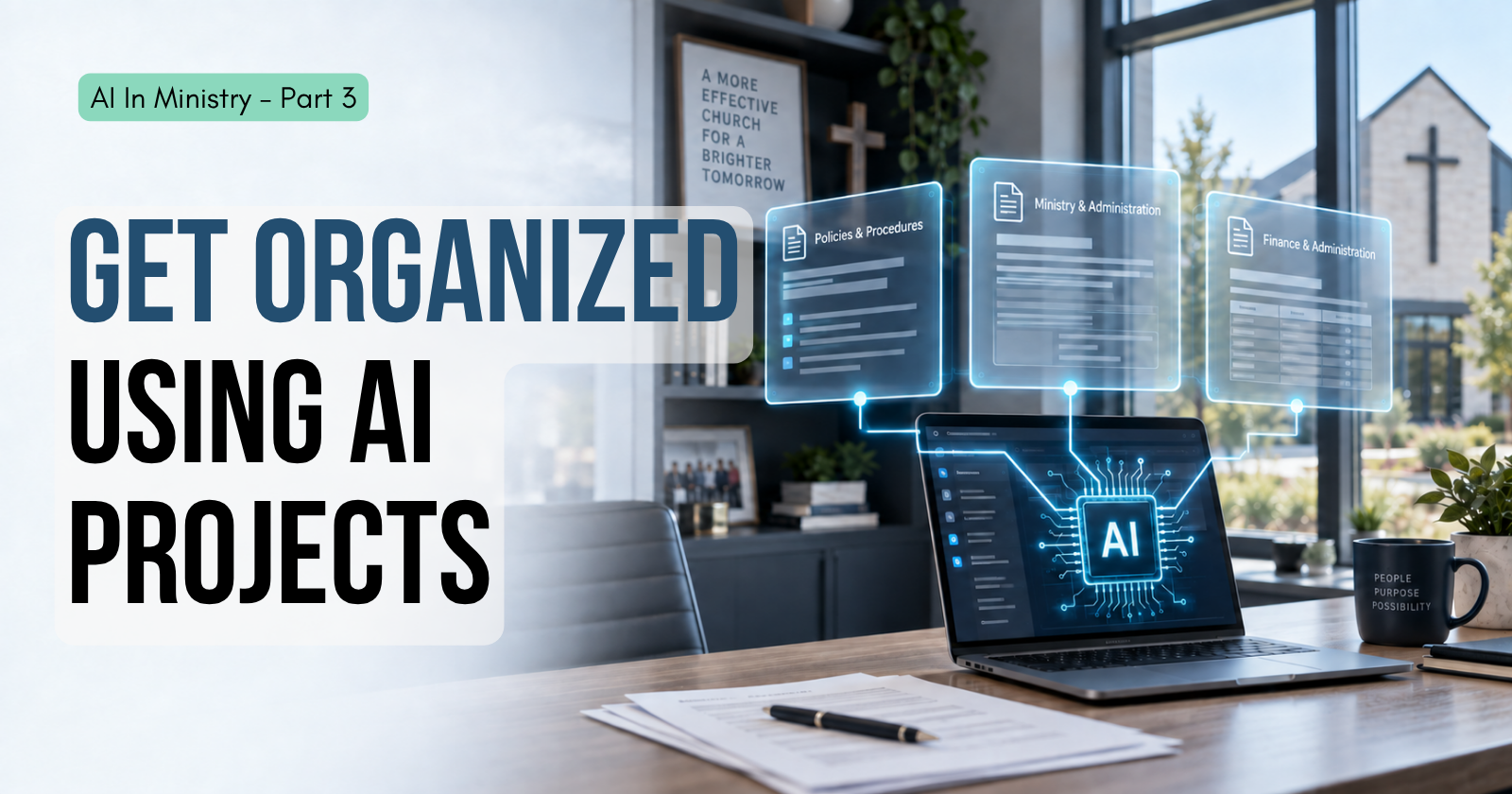
How many hours have you spent deciding where a text box goes on an email, a bulletin insert, or a flyer?
Maybe you have tried one of the common AI systems like ChatGPT, Claude or Gemini and felt a bit underwhelmed. You had a few questions, wanted to learn a process, or just needed to know what button to click in software that gives you trouble. In the end, it was helpful, but it left you wondering why the rest of the world is going nuts over this thing. It was good, but not that good.
If you missed the start of this series, I explained why I’m bringing AI into church administration, not ministry, in the first post. Today we take the next step.
Nobody Showed You the Next Step
Most of us start out using AI like Google. We have a question, we ask it, and we get a more detailed response than a standard search engine would give. That’s it.
The truth is that most of us were never taught how to use AI to make a real impact on our day-to-day tasks. Today we want to move up one notch and talk about projects and context.
Most of us were never taught how to use AI to make a real impact on our day-to-day tasks.
AI works from what it was trained on and what you give it, and it is excellent at pulling together a large amount of information into something useful. The more good information it has to work with, the better your results. So how does that change your week?
What an AI Project Is
ChatGPT and Claude both have a feature that collects similar work into one place called a project. (Gemini has something similar called Gems.) A project holds your instructions, your files, and your chats. You write the instructions once and upload the files once. Every chat you start inside the project begins with the instructions and files already in hand. That means less explaining and better results, because you are not starting from a blank page every time.
A project means less explaining and better results, because you are not starting from a blank page every time.
Try This: A Branding Project
Set up a project called {Your Organization} Branding. Open the project settings and tell it about your organization. Give it your brand standards guide, a few screenshots of your website and social media, your logo, and one or two examples of materials you like. Tell it to learn your brand style and voice from these sources and to apply them in every future chat in this project. (If you don’t have a brand standards document, have your AI ask you key questions and draft one for you to add to your project.)
Here is an example of what to put in the project instructions:
This project will help design branded material for [my organization]. Review my website, social media, brand standards, and example docs to learn my style and voice. When I bring you ideas and information, help me craft them in a way that is appropriate for my audience and consistent with my brand.
Next time you need a one-page document, a slide, or a graphic for an email, the system already has a foundation based on your preferences. That one setup means everything you work on in the future can be formatted with your church’s brand look and feel.
Here is the secret sauce: every time you work within your project, you are teaching it your preferences, but you need to make sure it captures that knowledge. Once you have received your final file, tell the AI, “Remember my preferences from this design.”
Those words are the key. It saves your preferences and uses them every time you open a new chat in the project. This one habit can save you hours a week on layout for policy documents, Bible study slides, email graphics, and training docs.
Other Projects Worth Starting
Projects help you separate the major divisions of your work. If you spend a lot of time designing classes, build a project that understands the layout of your weekly handouts, reminder emails, and PowerPoint presentations, so you can turn your notes into those pieces. If you send a weekly newsletter, keep a project for it, feed it the content each week, and let it draft the email. If you use a system like Mailchimp, you can go one step further and ask for the fully formatted HTML, import it directly, and skip the back and forth of formatting the email.
Any major part of your responsibilities that has its own directions and context is a good candidate. Here are a few from a completely different kind of work.
In your church or organization
- Event planning: Create a project for each event, feeding the system the goals, audience, and outline of the event. Use the project to create your schedules, volunteer outlines, promotional material, and other deliverables. You can even ask the project to send you email updates on your progress with a connection to your email or build a task list with a connection to a task manager.
- Meeting agendas and minutes: Load your agenda template and a past set of approved minutes. Turn your rough notes into clean minutes and a draft agenda for the next meeting.
- Facility and maintenance calendar: Load your list of recurring tasks like permit renewals, filter changes, inspections, and fire extinguisher checks. Ask what is due this month and have it draft the emails to your vendors.
- Policy and handbook updates: Load your current policy and use AI to answer questions based on it. You can go one step further and ask it to find soft spots that you need to shore up in your guide.
In your personal life
- Family meal planning: Load the meals your family actually eats and the stores you shop at. Ask for a weekly plan and a grocery list.
- Trip planning: Load your dates, budget, packing list and must-do list. Reuse the same project for every trip.
- Home and vehicle upkeep: Load your warranties, service schedules, and past repairs. Ask what is coming due.
One caution: build projects around your work, not your people’s private information. Don’t upload member records, counseling notes, giving records, or anything sensitive. Stick to material you would be comfortable handing to a volunteer.
Give Your Time Back to the Work You Were Called To
Our goal is to put repetitive and administrative tasks on autopilot. You are likely a pastor, a church admin, a nonprofit leader, or an unpaid but heavily involved church leader. Your goal is to care for people, teach the Bible, and grow the church or organization.
The early church faced this same tension. In Acts 6 the apostles were being pulled away by the daily work of serving. They said, “It is not right that we should give up preaching the word of God to serve tables,” and then, “we will devote ourselves to prayer and to the ministry of the word” (Acts 6:2, 4, ESV). Formatting an email seems like a far cry from taking care of widows, but catch the central theme. The apostles were being distracted from their chief responsibility. The scriptural example is that they understood the value of all aspects of caring for God’s people. They did not ignore the work. They organized it, handed it off, and went back to what only they could do.
Your AI system is not Google. It is an assistant. You now have tools that can give your organization the kind of support normally reserved for those with large staffs for about $20 a month. Use it wisely, and you can gain hours back in your week to care for people, make strategic decisions, and write sermons, not format documents and do repetitive administrative tasks.
Your AI system is not Google. It is an assistant.
Take the first step this week. Create a project, open the project settings, and tell it the purpose. Keep using it for related work, and you can even tell it to use a previous job as an example.
Rick Theriot holds an MDiv and is an ordained minister. Before founding Church Logistics Consulting, he served in children’s ministry, guest experience, and as an executive pastor. In each of these roles, he saw ministry take a back seat to ministry work. Church Logistics is a platform that supports pastors and frees them to spend more time shepherding their flock.



Leave a Reply